
Redirect returning clients to an existing conversation
By default, every intake page submission starts a new conversation. On Professional plans and higher, you can optionally redirect returning clients back into an existing conversation from the same intake page instead.
How to enable it
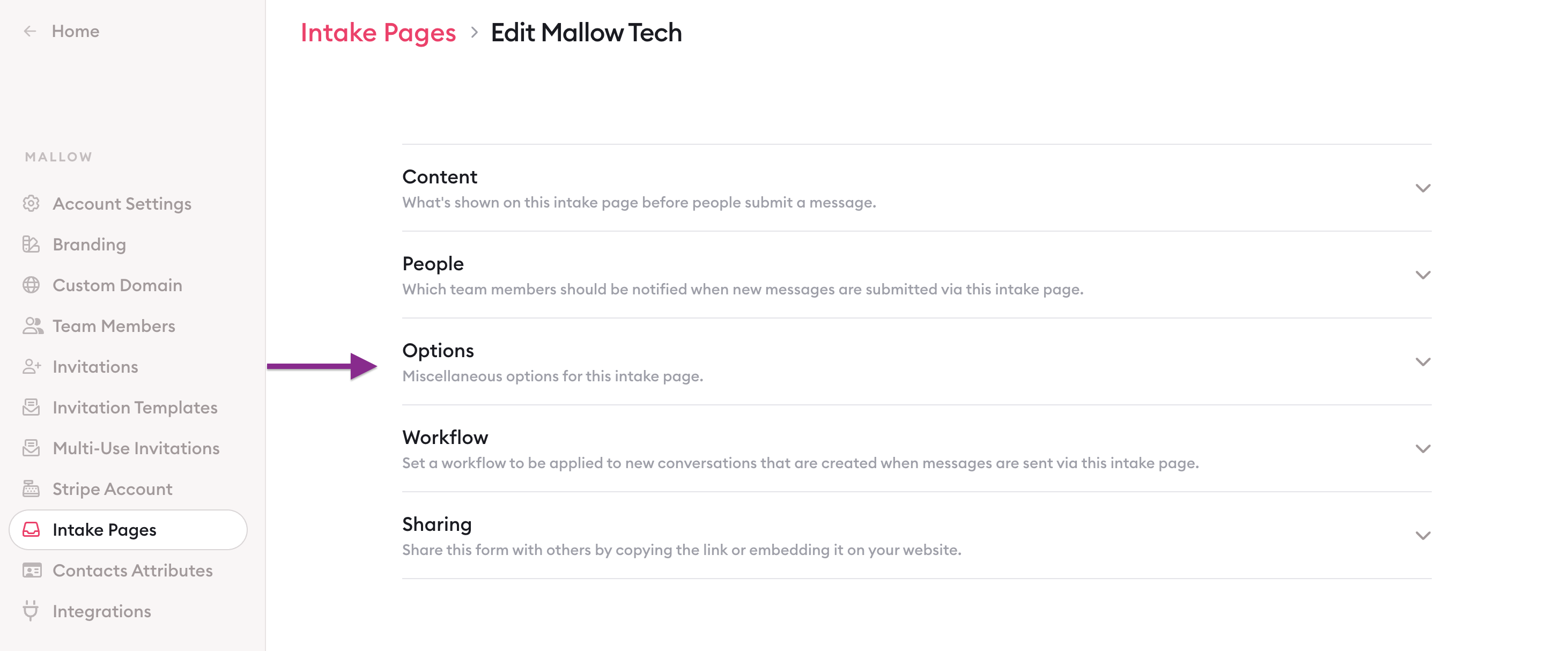
Edit the intake page.
Open Options.
Turn on Redirect returning clients to an existing conversation.
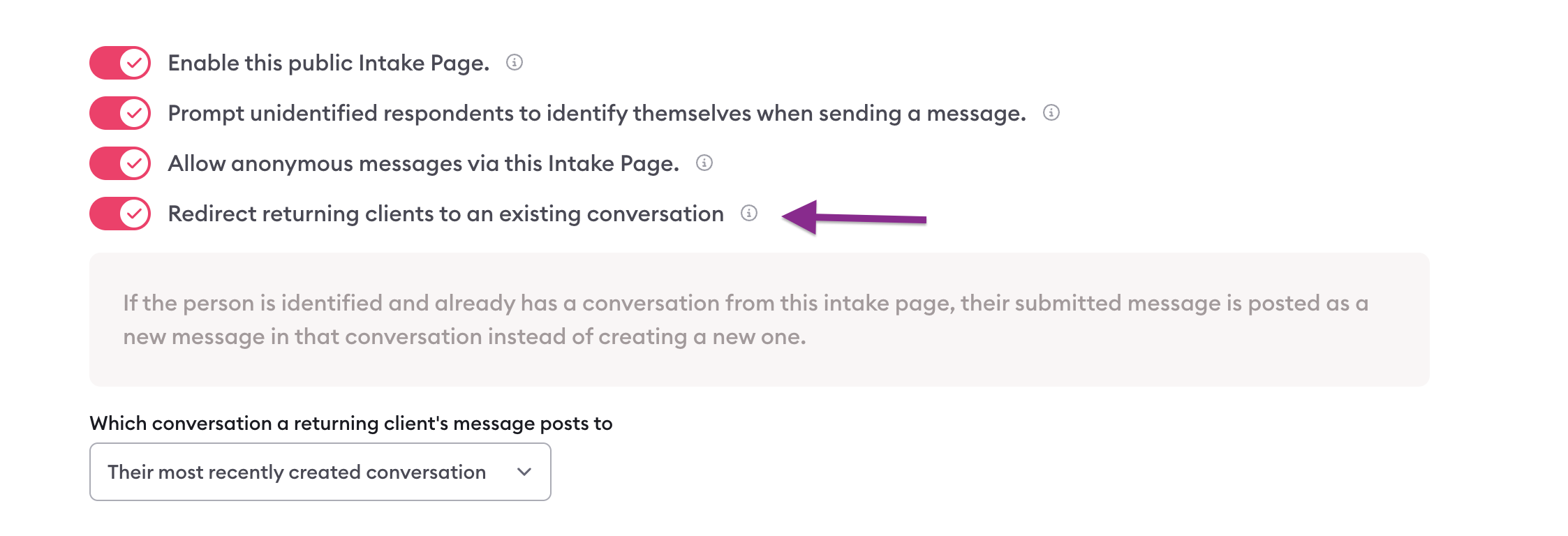
The setting is off by default.
When enabled, if the person is identified and already has a conversation from this intake page, their submitted message is posted as a new message in that conversation instead of creating a new one.
Anonymous submissions always start a new conversation.
Which conversation to use
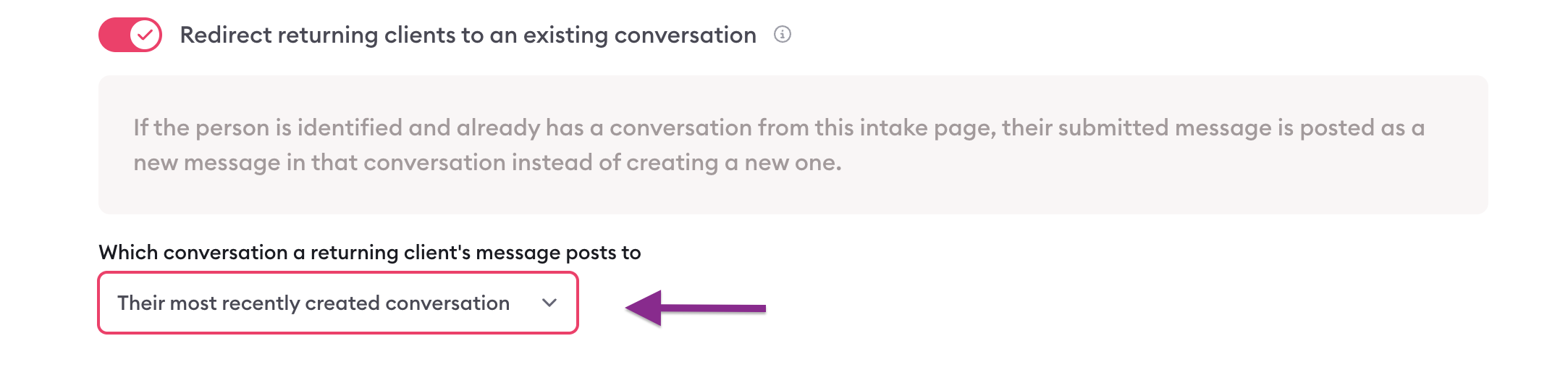
If more than one matching conversation exists, use the Which conversation a returning client's message posts to dropdown to choose:
Their most recently created conversation — picks the conversation that was started most recently from this intake page.
Their most recently updated conversation — picks the conversation with the most recent activity (default).
When a new conversation is still created
Clarityflow only posts into a matching conversation that is:
Open to replies (messages are not closed), and
Not closed (Access → Close conversation is off)
If every matching conversation is closed to replies or closed entirely, a new conversation is created instead.
Archived conversations are only used if there is no unarchived match, and they must still be open to replies and not closed.
What does not run again on reuse
When a submission posts into an existing conversation, it is treated as a reply:
Intake page workflows do not run again
Tags applied on new conversations are not re-applied
Other new-conversation automations (e.g. ConvertKit subscribe-on-create, conversation-created webhooks) do not fire again
Normal message notifications still apply.

Learn more about Clarityflow.